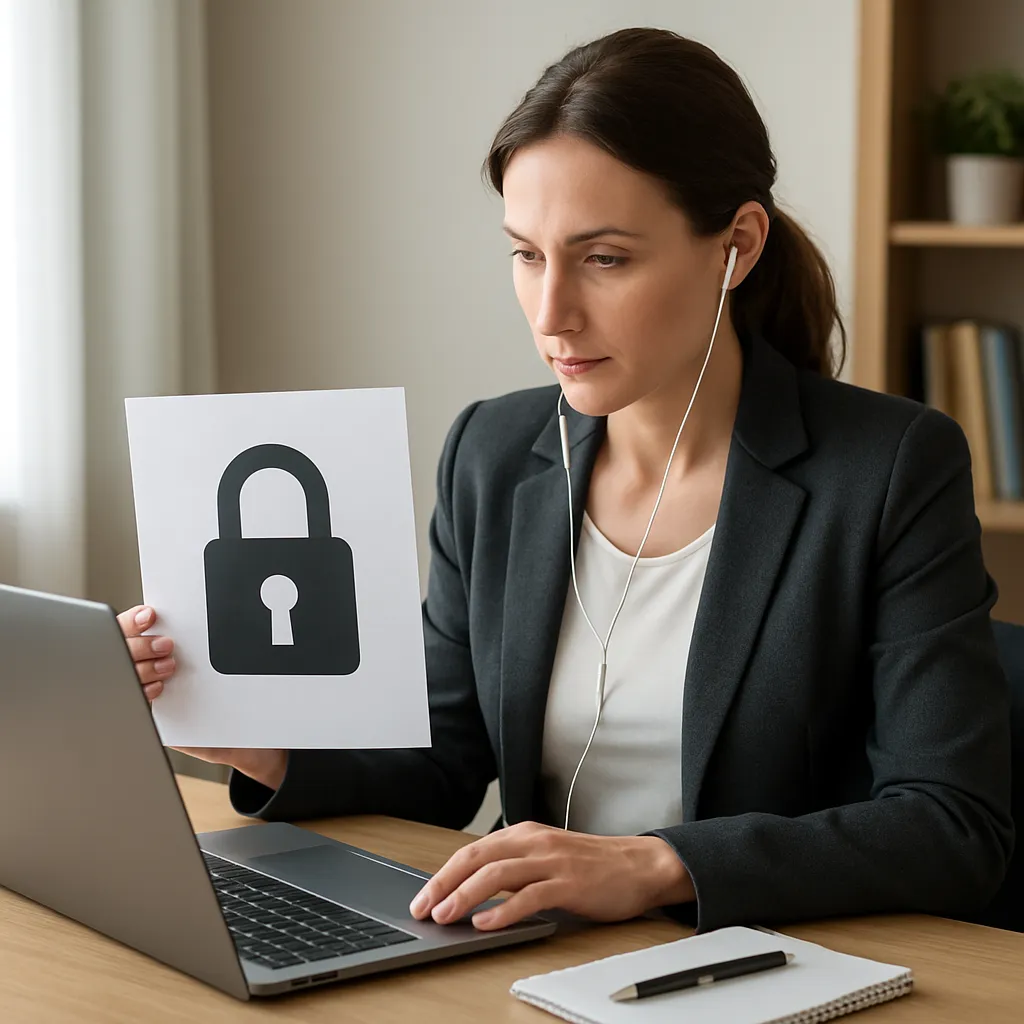
Remote meetings have become integral to modern business operations, bringing teams together across time zones and eliminating geographic barriers. However, the convenience of virtual collaboration introduces new security challenges. Sensitive data such as financial reports, product roadmaps, and client information can be exposed if proper precautions are not taken. This article explores best practices to safeguard your organization’s most valuable assets during online conferences.
Choosing Secure Meeting Platforms
Selecting the right video conferencing tool is the first step toward ensuring robust protection. Not all platforms offer the same level of security features. It is essential to evaluate options based on their adherence to industry standards.
- End-to-End encryption: Verify that the provider supports true end-to-end encryption rather than just session encryption on the transport layer.
- Data Storage Policies: Understand where meeting recordings and transcripts are stored, and whether the data residency aligns with your organization’s privacy requirements and local legislation.
- Regular Software Updates: Choose a platform that issues frequent security patches to address emerging vulnerabilities and keep pace with evolving threat vectors.
Implementing Strong Access Controls
Access management forms the backbone of virtual meeting security. Unauthorized entry can lead to eavesdropping, information theft, or malicious disruption.
Authentication and Authorization
- Multi-Factor authentication (MFA): Enforce MFA for all meeting hosts and participants to reduce the risk posed by stolen credentials.
- Unique Meeting IDs: Avoid using personal meeting identifiers or permanent URLs. Generate one-time numeric codes or randomized links for each session.
- Waiting Rooms and Passcodes: Enable virtual waiting rooms so hosts can vet participants before granting access. Require unique passcodes or digital tokens.
Role-Based Permissions
Defining user roles prevents accidental or malicious misuse of meeting controls.
- Host-only Features: Restrict sensitive functions such as screen sharing, recording, and file transfer to designated hosts or co-hosts.
- Participant Privileges: Set default attendee settings to view-only or listen-only, elevating permissions only when necessary.
- Session Lockdown: Once all expected attendees have joined, lock the meeting to prevent further entrants.
Ensuring Data Protection During Sessions
During the meeting itself, proactive strategies can minimize the risk of data leakage or compromise. Focus on securing the communication channel and the endpoints.
Endpoint Security
- Device Hardening: Require participants to use corporate-managed devices with up-to-date operating systems and endpoint protection software.
- Secure Networks: Advocate for use of Virtual Private Networks (VPN) or corporate firewalls when accessing meetings from remote or public Wi-Fi networks.
- Screen Privacy Filters: Recommend physical filters for laptops used in public spaces to guard against shoulder surfing.
In-Meeting Best Practices
- Screen Sharing Controls: Share only the application window needed, rather than the entire desktop, to prevent accidental exposure of unrelated data.
- Recorded Content Management: If recording is necessary, store files in encrypted repositories and limit access based on least-privilege principles.
- Chat and File Transfer Policies: Disable file transfers if not required, and archive chat logs securely to maintain an audit trail.
Post-Meeting Protocols and Compliance
After the session ends, it is vital to handle generated artifacts responsibly and comply with relevant regulations to uphold compliance obligations.
- Secure Deletion: Permanently remove sensitive recordings and transcripts when their retention period expires, following organizational governance policies.
- Audit Logs: Maintain detailed logs of access events, participant join/leave times, and file download actions for forensic analysis and regulatory reporting.
- Data Classification: Label all meeting materials by sensitivity level and apply corresponding security measures for storage, distribution, and disposal.
Training and Organizational Culture
Technical controls are only as effective as the people using them. A well-informed workforce acts as the first line of defense against social engineering and careless errors.
- Regular Awareness Programs: Conduct workshops on basic cybersecurity hygiene, password best practices, and the importance of meeting security.
- Simulated Phishing Tests: Periodically run controlled exercises to evaluate employee vigilance and identify areas requiring additional support.
- Incident Response Plans: Establish clear procedures for reporting suspicious activities or suspected breaches during and after remote meetings.
Advanced Measures for High-Stakes Meetings
Certain discussions—such as merger negotiations, intellectual property reviews, or government-related briefings—require elevated security measures.
- Isolated Networks: Use dedicated, physically separate communication channels or air-gapped environments for classified content.
- Hardware Encryption Devices: Employ specialized devices that encrypt audio and video streams at the hardware level for maximum confidentiality.
- Third-Party Audits: Engage external professionals to conduct vulnerability assessments and penetration tests of your remote meeting infrastructure.
Conclusion
By integrating platform scrutiny, rigorous access controls, endpoint security, and organizational training, businesses can significantly reduce the risk of inadvertent data exposure during remote meetings. As hybrid and fully remote work models continue to evolve, a proactive approach to securing virtual collaboration channels will remain a critical component of any comprehensive information security strategy.


