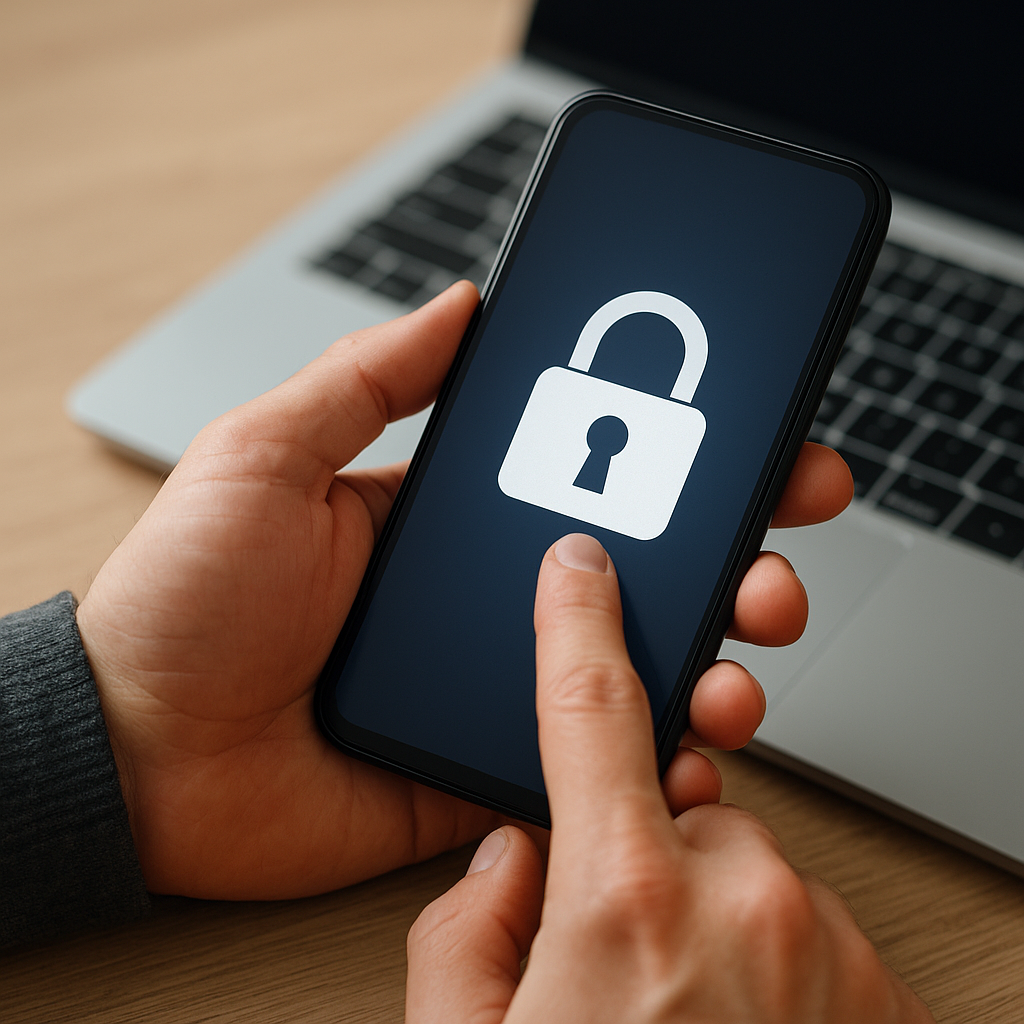
Securing sensitive corporate information on portable devices demands a strategic approach that balances usability and protection. This article delves into effective measures to shield data against theft, unauthorized access, and accidental exposure. Drawing on best practices in mobile device management and network security, businesses can build a robust defense for laptops, tablets, and smartphones.
Understanding the Risks to Portable Data
Portable devices introduce unique threats that differ from stationary workstations. When employees travel or work remotely, confidential files can be exposed through public networks, physical loss, or malicious software. Recognizing these vulnerabilities is the first step toward a comprehensive security program.
Physical Loss and Theft
Losing a device or having it stolen can instantly jeopardize sensitive data. Unencrypted hard drives or unlocked screens provide an open invitation to unauthorized users. Implementing strict policies on device handling and storage is vital to prevent a potentially costly data breach.
Network-Based Threats
Public Wi-Fi access points often lack robust security, enabling attackers to intercept data via man-in-the-middle attacks. Without a secure connection, login credentials and corporate documents may be captured. Using a trusted VPN ensures that data in transit remains encrypted and protected from eavesdroppers.
Malware and Phishing
Portable devices are frequent targets for malicious applications designed to extract credentials or install backdoors. Employees might inadvertently download infected apps or click on links leading to spyware. Awareness of malware tactics and enforcing app validation procedures can significantly reduce this risk.
Implementing Robust Encryption and Access Controls
Effective encryption and stringent access restrictions are cornerstones of data protection on mobile platforms. By encrypting stored information and limiting how users authenticate, organizations can guard against unauthorized retrieval of corporate assets.
Device and File Encryption
Full-disk encryption renders data unreadable without the proper decryption key. Most modern operating systems offer built-in encryption tools, but enterprises may opt for third-party solutions to support cross-platform consistency. Additionally, file-level encryption allows for granular protection of critical documents, even if the device is already operational.
Strong Authentication Methods
Passwords alone often fail to provide adequate defense, especially if they are weak or reused. Implementing two-factor or multi-factor authentication adds an extra layer of security. Combining something users know (a PIN) with something they have (a smartphone token) or something they are (biometric scan) drastically lowers unauthorized access chances.
Role-Based Access Control
Not every employee requires full access to all data. Enforcing access control policies based on roles and responsibilities ensures that users can only view or modify information relevant to their function. This segmentation reduces potential damage if an individual account is compromised.
Best Practices for Secure Data Handling
Beyond encryption and authentication, adopting rigorous handling standards and leveraging network defenses strengthen your mobile security posture. Consistency and automation help minimize human error while maintaining compliance with industry regulations.
Regular Software Updates
Outdated firmware and applications often contain known vulnerabilities that attackers can exploit. Automating patch management guarantees that devices receive the latest fixes for operating system flaws and software bugs, safeguarding against intrusion attempts.
Firewall and Network Security
Installing a host-based firewall on portable devices can monitor incoming and outgoing connections, blocking suspicious traffic. Coupled with enterprise-grade network firewalls and intrusion detection systems, this layered defense approach restricts unauthorized access points and detects anomalous behavior.
Secure Backup and Remote Wipe
Regular backups to encrypted cloud storage or secure on-premises servers ensure data continuity in case of device loss or failure. In parallel, remote wipe capabilities allow IT teams to erase confidential data from missing or compromised devices before it falls into malicious hands.
Use of Virtualized and Containerized Environments
Running sensitive applications inside secure containers creates isolated environments that protect core system files. If a container is breached, the malware remains confined, limiting its spread and preserving the integrity of the host device.
Employee Training and Policy Enforcement
Well-defined policies and continuous education empower staff to act as a line of defense. A culture of security awareness reduces risky behavior and ensures that procedures are followed diligently.
- Security Awareness Programs: Conduct regular workshops on identifying phishing attempts, avoiding unsecured networks, and reporting lost devices promptly.
- Clear Usage Policies: Document acceptable use, data classification levels, and device handling rules. Ensure comprehension through periodic assessments.
- Incident Response Drills: Simulate scenarios involving stolen or compromised devices. Practice recovery steps, remote wipe execution, and stakeholder communication plans.
Ensuring Regulatory Compliance
Many industries must adhere to standards such as GDPR, HIPAA, or PCI DSS. Compliance involves documenting security controls, performing regular audits, and demonstrating that protective measures for portable devices meet legal requirements. Establishing a review schedule helps maintain alignment with evolving regulations.
Continuous Monitoring and Improvement
Security is not a one-time project but an ongoing process. Leverage mobile device management solutions to track device health, patch status, and policy compliance in real time. Periodic security assessments, penetration tests, and user feedback loops drive iterative enhancements.


